
Office Equipment Leasing for LA Businesses
Term lengths, what's included, end-of-term options, and what drives the monthly cost, from a Van Nuys team that has matched LA businesses to the right equipment since 1988.
DataPrint Solutions offers office equipment leasing for businesses across greater Los Angeles, operated from Van Nuys. Programs scale from a single machine in a one-person office to multi-unit setups across several floors, with no minimum machine count and no minimum volume. If you are still weighing lease against buy, or want to understand how a lease works before you call anyone, start here.
Lease or Buy?
Leasing avoids a large upfront capital purchase. Instead of tying up cash in a depreciating asset, the business pays a predictable monthly amount for the length of the term, and moving to newer equipment at the end of the term is simpler than replacing a machine you own.
Buying outright can cost less over five years for a business with capital available, steady print needs, a plan to keep the equipment five years or longer, and a way to cover service. Tax treatment differs by lease structure (a fair-market-value lease and a $1 buyout lease are handled differently), so confirm it with your accountant. DataPrint sells equipment outright as well as leasing it, so the recommendation can go either way.
How a Lease Works
Office equipment leases commonly run 36 to 60 months, and the exact term is set in your agreement. Term length is one of the largest levers on the monthly payment: a longer term lowers the monthly figure but increases the total paid over the life of the lease.
DataPrint's leases include delivery, installation, print driver setup, and operator training, and ongoing on-site service is handled by the same local team that placed the equipment. DataPrint also prepares each machine for network integration and works alongside your IT team on print driver setup. It does not take over IT administration, but the equipment arrives ready to work with the network you already have.
What to Check Before You Sign
What is bundled varies by dealer and by agreement. Toner, supplies, and per-page charges may be included in a service agreement or billed separately, so confirm this when you compare quotes. End-of-term choices also depend on the agreement, and commonly include returning the equipment, renewing, upgrading to a newer machine on a new term, or buying it out.
Two common structures: a fair-market-value lease carries lower monthly payments and lets you buy the machine at market value when the term ends, while a $1 buyout lease carries higher payments and transfers ownership for one dollar at the end. Most leases also include an auto-renewal clause with a written-notice window before term end, commonly 60 to 120 days, so check the exact window in your agreement. DataPrint walks through these terms before any lease is signed.
What Drives the Monthly Cost
Monthly page volume is the biggest factor: a machine sized for low output costs substantially less than one built for high-volume work. Color is next, since a color-capable machine leases for meaningfully more than a black-and-white unit of similar speed. Speed, machine class, and finishing options such as stapling or booklet-making add cost, and term length moves the number as described above.
Before a quote conversation, it helps to know your monthly black-and-white page count, your monthly color count if any, and the term you want. Those three numbers are enough for DataPrint to prepare a proposal you can compare side by side with others. Size matters in the other direction too: running a machine consistently beyond its recommended monthly volume shortens its service life, so DataPrint sizes equipment to the actual workload.
Copier, Printer, or Buy Outright
DataPrint places Canon, Ricoh, Konica Minolta, Kyocera, Sharp, Brother, HP, and Xerox, and can match a brand your office already runs. For a shared multifunction copier or higher-volume copying and finishing, see copier leasing. For dedicated printers placed by desk, team, or floor, see printer leasing. To own the equipment instead, see copier and printer sales.
Why DataPrint
DataPrint has operated in Los Angeles since 1988. The technician who knows your machine is the one who comes back when something needs attention, rather than a rotating third-party dispatch. CPA firms and law offices have kept equipment relationships with DataPrint for a decade or more.
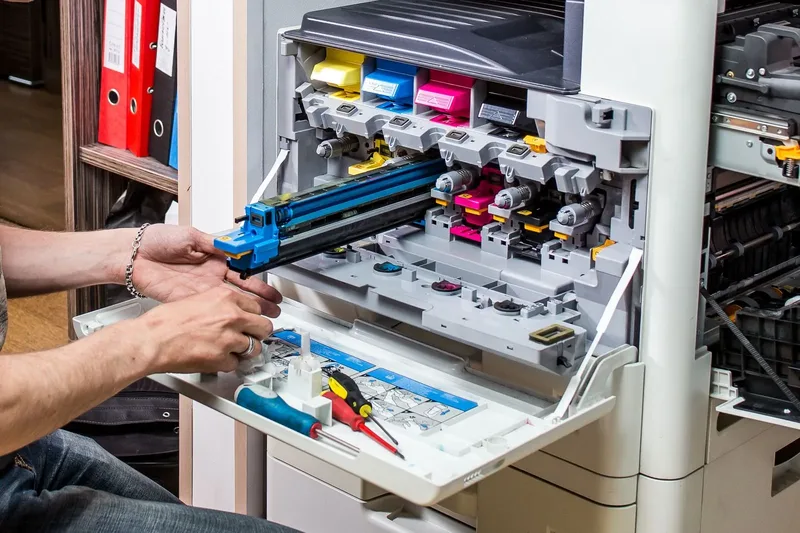
Copier Leasing
Commercial copier leases for Los Angeles businesses, matched to actual volume. Delivery, installation, and maintenance included.
Learn More about Copier Leasing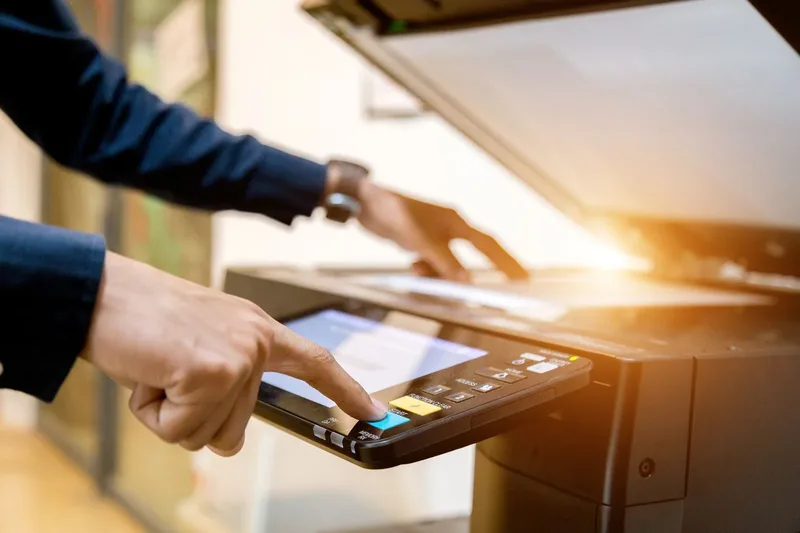
Printer Leasing
Commercial printer leasing with flexible terms, serviced by the same local team that places the equipment.
Learn More about Printer LeasingCommon Leasing Situations We Handle
Lease is up: not sure whether to renew, upgrade, or return
End-of-term options depend on your agreement. DataPrint can look at your current volume and recommend whether to renew, upgrade, or return. Most leases include an auto-renewal clause, so check the notice window in your agreement well before term end.
Not sure whether to lease or buy outright
Leasing fits businesses that want predictable monthly costs and the ability to upgrade at term end without a large capital outlay. Buying fits businesses with available capital and stable, long-term print needs. DataPrint sells equipment outright as well.
Adding a machine for a new office or growing team
Leasing makes it possible to add commercial-grade equipment without a large upfront capital purchase. DataPrint handles delivery, installation, and network-ready configuration at the new location.
Current machine's repair costs are adding up
When service costs on an aging machine begin to outpace its value, leasing a replacement is often the more practical path. DataPrint repairs equipment as well as leasing it, so it can tell you whether a repair is still worth it.
Not sure what size or speed machine the office actually needs
Monthly page volume, color versus black-and-white mix, and required speed determine the right machine class. Running a machine consistently beyond its recommended monthly volume creates reliability problems. DataPrint walks through volume and workflow before any lease is signed so the machine is sized to the actual workload.
Who We Work With
Businesses across greater Los Angeles rely on DataPrint for commercial equipment leasing.
Leasing FAQs
What is office equipment leasing and how does it work?
Is it better to lease or buy office equipment for a small business?
What determines the monthly cost of an office equipment lease?
What happens at the end of a lease term?
Do you work with small offices, or only large companies?
What brands of office equipment are available to lease?
Does the lease include delivery, setup, and ongoing service?
What Los Angeles Businesses Say About Us
Rated 5 stars by Los Angeles businesses since 1988.
Looking at a Copier or Printer Lease?
Tell us about your office and we'll put together a lease proposal. You don't need exact page counts to start.