June 10, 2026
Why Using Compatible Toner Cartridges Can Cause Error Codes, Smudging, and Boot Loops on Commercial Copiers
Overview
A caller in the Hollywood area recently reached out about a Sharp MX-3070 that was stuck in a boot loop. The machine would try to come ready, hang, try again, and just keep cycling. It was also producing ghosting on prints. A previous technician had told the customer it was a formatter board issue. That turned out to be incorrect — the machine actually needed the SSD and M-state board replaced. It's a straightforward example of why the first diagnosis isn't always right, and why it pays to get a second opinion before authorizing a costly repair.
We get calls like this regularly across Los Angeles. Sometimes the issue is a misdiagnosis on the hardware side. Other times, a business owner replaces toner with a compatible cartridge, or lets supplies run so low the machine can barely function, and suddenly they're dealing with error codes that make no sense, prints that smudge or ghost, or a machine that won't finish booting. These problems get blamed on hardware. Sometimes the hardware is the issue. But a lot of the time, the supplies are the problem, and that's a much cheaper fix.
DataPrint Solutions has been diagnosing and repairing commercial copiers in the San Fernando Valley and across greater Los Angeles since 1988. What we've learned over 35 years is that toner-related problems are some of the most misdiagnosed issues in the business.
Key Details
Compatible cartridges and the "replace toner" loop
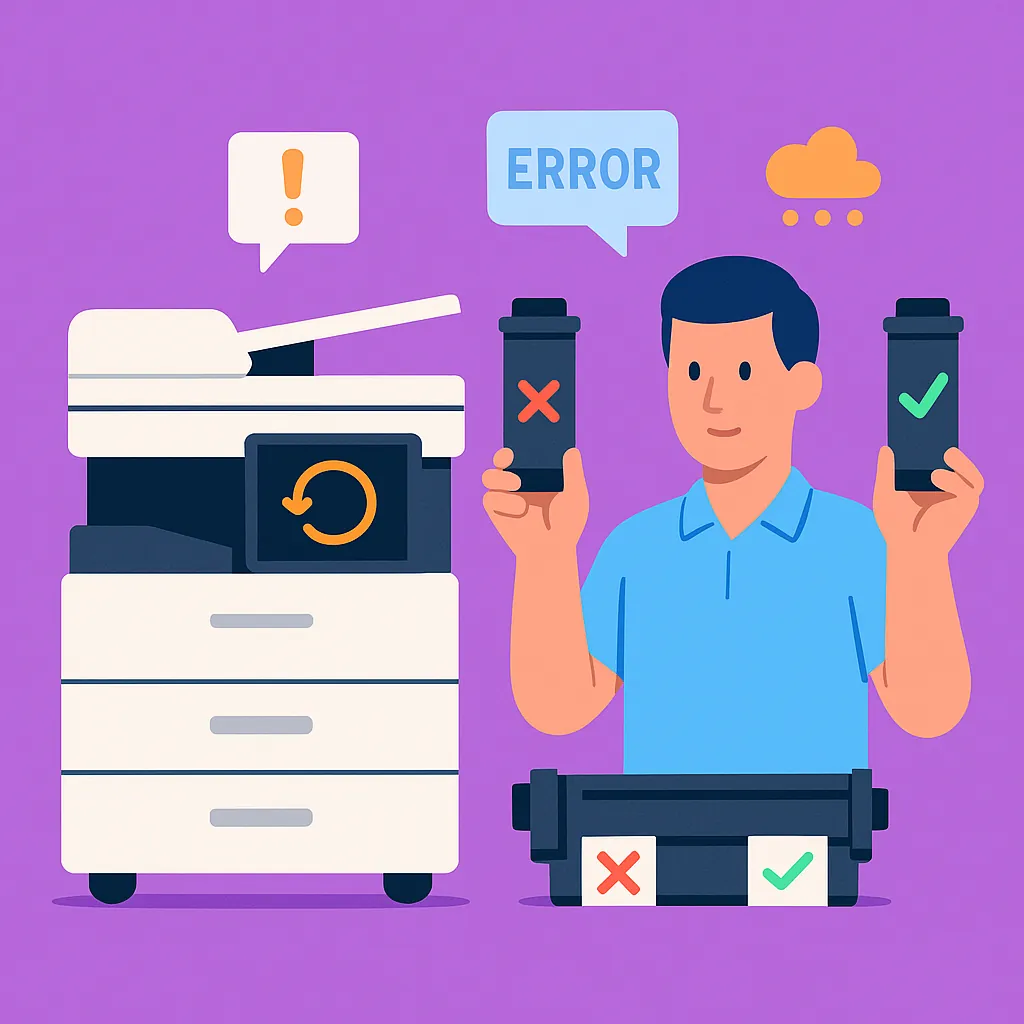
A commercial caller came to us with a Xerox VersaLink B605. They had replaced the toner, but the machine was still displaying a replace-toner message, and prints were coming out with smudges. The first thing we asked was whether the cartridge they installed was an OEM Xerox cartridge or a compatible third-party unit.
That question matters because commercial copiers, particularly newer models, communicate with their toner cartridges. The machine reads chip data to verify that the cartridge is recognized, that fill levels are accurate, and in some cases, that the toner chemistry meets the machine's spec. A compatible cartridge with a generic or mismatched chip can confuse the machine into thinking the cartridge is still empty, or never registers at all. The result is exactly what that caller experienced: a persistent replace-toner error even after putting in a new cartridge, along with print quality problems caused by toner that isn't behaving the way the machine expects.
Smudging from a compatible cartridge usually comes down to toner particle size or fusing properties. Commercial copiers are calibrated to work with a specific toner formulation. When the chemistry is off, the fuser doesn't bond the toner to the paper correctly, and you get smears.
Depleted toner as a cause of boot loops and come-ready problems
This is the one that surprises people. Most business owners think of toner as something that affects print quality. They don't connect it to the machine's ability to start up. But on many commercial copiers, toner levels are part of the startup sequence. The machine reads supply status on boot. If toner is at or near zero across multiple cartridges, the machine can get stuck in a loop where it's trying to complete that startup check and can't.
We've seen this pattern on machines across Los Angeles where cartridges had gone years without replacement. The machine loops not because of a hardware failure, but because depleted supplies are preventing the startup sequence from completing. It's one of the first things we check before moving on to any hardware diagnosis.
To be clear, failing drives and board-level issues can also cause boot loops — the MX-3070 in Hollywood is a good example of that. But jumping to an expensive hardware diagnosis when supply levels haven't been addressed first is not good diagnostic practice. Toner levels, drum unit condition, and drive integrity all get evaluated before recommending a major repair.
Foam cleaning pads inside drum units
On older machines, there's another factor that doesn't get enough attention. The Sharp MX-3070 is several model generations old, and machines in that age range sometimes have foam cleaning pads inside the drum units that degrade over time. When those pads fail, and in some cases they partially melt, the contamination spreads and disrupts imaging. That can look like a toner problem, a drum problem, or an imaging board problem. It won't resolve just by replacing toner. Inspection of the drum units is the only way to know what you're dealing with.
Ghosting and the fuser
Ghosting, where you see a faint repeat of the image appearing further down the page, is typically a fuser issue rather than a toner issue. The fuser on a Sharp MX-3070 is generally rated for 200,000 to 300,000 copies. If the machine was purchased secondhand, though, that rating means very little. Parts may have been swapped, and the copy counter may not reflect actual usage on the fuser. A visual inspection of the fuser tells you more than the counter does.
When to Call a Professional
If your machine is showing persistent toner error codes after a cartridge replacement, start by confirming whether the cartridge is OEM or compatible. If it's compatible, swap it for an OEM unit before calling for service. That single step resolves the problem more often than you'd expect.
If the machine is stuck in a boot loop, don't let someone sell you a formatter board replacement before the basics have been checked. Toner levels, drum unit condition, and drive integrity all come before that diagnosis. And if a technician jumps straight to a major board replacement without ruling out those factors first, it's worth getting a second opinion.
If you're seeing ghosting, smudging, or print quality problems that didn't exist before a toner swap, the cartridge is the first place to look, not the fuser. But if a fuser inspection is warranted, a technician can assess that on-site and give you an honest read on whether the repair makes financial sense for the machine's age and condition.
We offer free estimates and come to your location anywhere in the Los Angeles area. If a repair is attempted, labor runs $175 an hour with a one-hour minimum. If the repair isn't worth the cost, we'll tell you that directly.
Reach out to DataPrint Solutions and we'll get someone out to take a look.