October 20, 2026
When to Stop Repairing Your Office Copier and Lease Instead
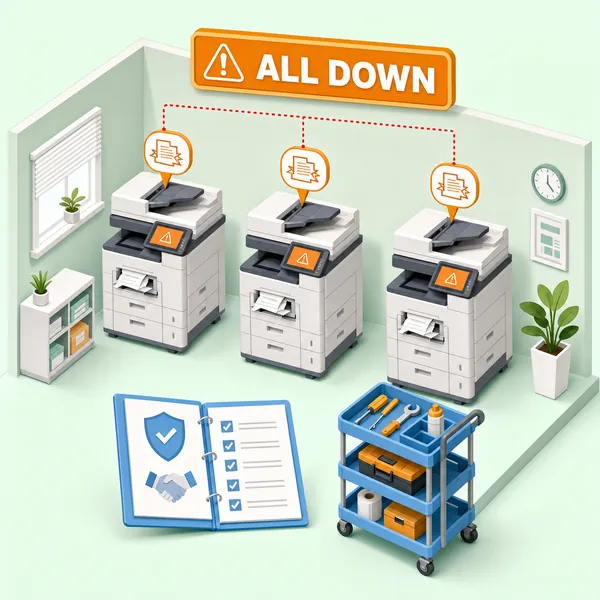
A technology company with a retail storefront in the Los Angeles area had eight customers walk in for copies one day and had to turn every single one of them away. The Canon imageRUNNER Advance copier they depended on was down with a failed HDD module. The owner had already been considering the repair, weighing the bill against the machine's age, when he called us.
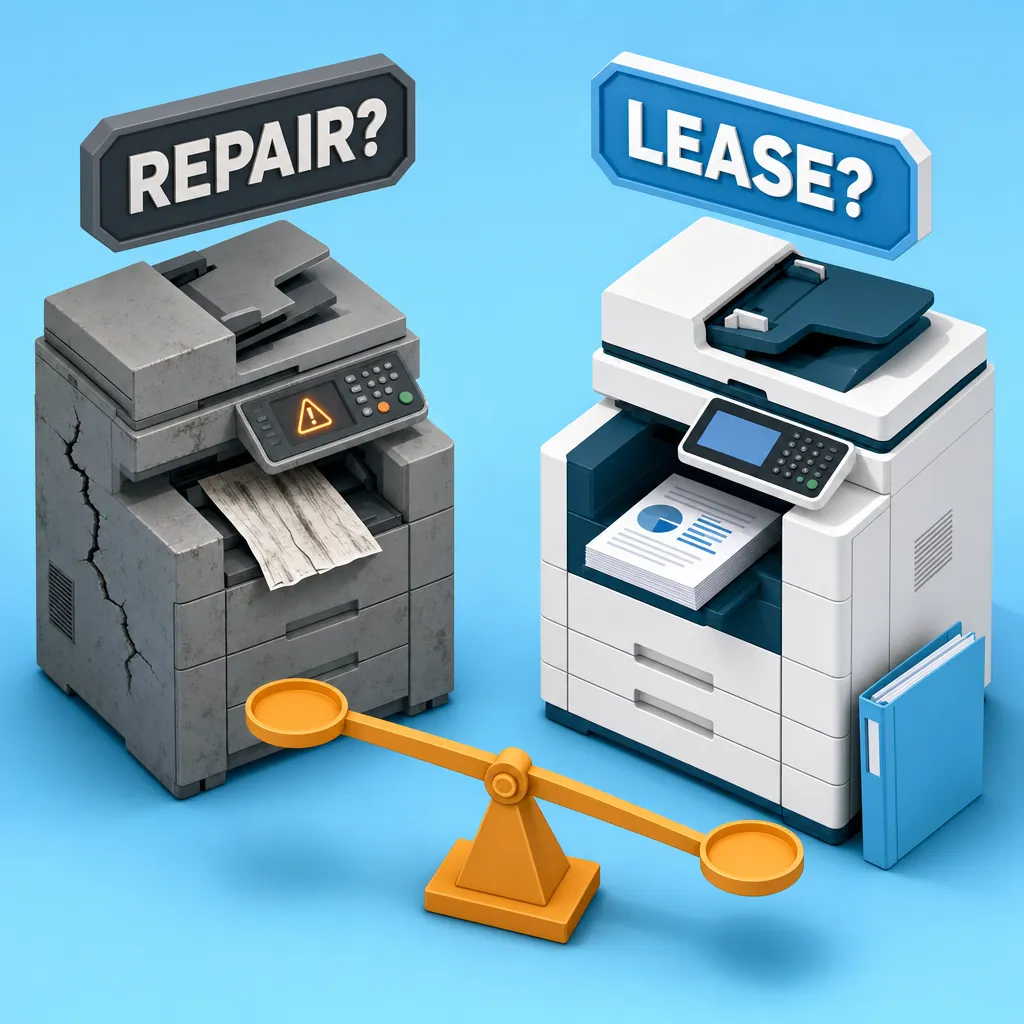
That call plays out more often than it should. A machine that is five, eight, ten years old finally gives out on something significant, and the business owner faces a decision they have been putting off for months: fix it again, or move on. Knowing when to stop repairing your office copier and lease instead is not always obvious, but we have been working through that question with Los Angeles businesses since 1988. The answer is not always the same, but there are five signs that consistently tell us the repair conversation is already over.
Why the "One More Repair" Trap Is So Easy to Fall Into
Nobody wants to sign a lease when they think a $400 repair will get them another year. That logic is usually right when the machine is three or four years old. It stops being right when the machine is older, the failures are getting bigger, and the downtime is costing more than the invoice shows.
Eight customers turned away in a single day. That revenue loss, in most businesses, will exceed a full month's lease payment. Downtime has a real cost that never appears on the repair bill.
Our approach to repair or replace office copier decisions has always been the same: we look at the situation honestly and tell you what makes sense. If a repair is not worth the money given the machine's age, we say so. We are not going to take your money on a repair that puts you back in the same position in six months. The question worth asking is not "how much does the repair cost?" but "compared to what?" Copy machines degrade quickly, especially at volume. At some point the better math is redirecting that repair spend toward a maintenance-included lease and a machine that is actually supported.
Sign 1: The Machine Is 8-10 Years Old and Just Failed Something Major
Age alone does not automatically mean replacement. A well-maintained machine at reasonable volume can run past the general commercial useful life of five to seven years. But age combined with a significant component failure changes the math entirely.
The Canon imageRUNNER Advance 4525i that came up in that call was approximately ten years old. The failed component was the HDD module, a core internal part, not a roller or a feed tire. Our position on a machine that age with that kind of failure is straightforward: we are not going to recommend the repair. On a ten-year-old machine, a major internal failure is rarely an isolated event. The hard drive, the fuser, the main board — they all run on the same wear curve. Fixing one does not reset the others.
Our practical threshold: when a machine is eight years or older and the failure is significant, the repair spend almost always belongs somewhere else. The repair itself might work, but you are investing in borrowed time on equipment where the next failure is already in progress.
Sign 2: Parts or Toner Are No Longer Available Through Professional Channels
This is one of the clearest copier end of life signs, and it is one that competing advice almost never addresses concretely.
A business owner reached out asking about a Xerox WorkCentre 4265. The machine had been discontinued, and Xerox had already told them parts were gone. We ran a lookup across our primary parts suppliers ourselves. The result: no OEM toner, no drum units, no maintenance kits. Nothing through professional supply channels. Not close to nothing — nothing.
You will find people online who claim they can ship you toner for a discontinued machine. Our honest advice: get rid of it. A machine that depends on third-party resellers parting out old units is not a business asset. It is a liability with a countdown on it.
Our recommended path for a machine with no available parts is exactly what we told that customer: run whatever consumables you have left, then transition to a rental or lease on a new machine with a service-and-supplies contract rather than chasing parts that may or may not show up. One practical note worth knowing when you start doing the math: disposing of a commercial-grade copier in Los Angeles runs roughly $150 to $200 for a professional pickup. Factor that into the end-of-life cost.
Sign 3: Your Repair Costs Are Approaching a Monthly Lease Payment
Most articles about repair-versus-replace gesture at this comparison without giving you real numbers. Understanding office copier lease vs repair cost is where the decision usually becomes clear.
A new Sharp BP series color MFP at 36 pages per minute on a 36-month lease runs approximately $345 per month plus tax, or $299 per month on a 48-month term. Both include a maintenance plan covering 1,500 color pages and 6,000 black-and-white pages per quarter (a little over 1 ream a week). Pricing varies by configuration, but those are representative current figures.
For businesses not ready to commit to a new-equipment lease, our rental program uses refurbished Sharp BP series equipment at approximately $260 per month all-in including tax, with service and supplies included. No long-term commitment required.
When a single repair quote approaches one of those monthly figures, the ROI has already flipped. The repair delivers nothing ongoing. The lease or rental delivers a fully supported machine, a maintenance plan, and predictable costs going forward. A client we have worked with for over twenty years put it simply: their machines are "always humming" because service and support are built into the relationship from the start. That is what a maintenance-included arrangement is designed to do.
Sign 4: Your Machine Is Aging Off Its Service Contract
There is a fragile middle zone that businesses sometimes get caught in: the machine is technically still running, but the manufacturer is stepping back, and the support net is disappearing underneath it.
A commercial print shop reached out with exactly this situation. They had a Xerox IR-120 and a Xerox D-125 on service contracts that were approaching end-of-life, one smaller machine already off contract, and the IR-120 faulted mid-job while we were on the phone. They needed someone to step in before Xerox exited entirely.
We can take over service on machines that age off manufacturer contracts. But the honest framing we gave that shop is the same one we give anyone in this position: a third-party service agreement buys time, but it does not change the machine's age or wear curve. The question is still that weighted ROI, whether a couple thousand dollars in ongoing repairs makes more sense than a few hundred a month for a maintenance-included copier lease on newer equipment. If you want more detail on what the transition looks like when a manufacturer steps back, we wrote about what happens when your copier ages off its manufacturer service contract and how to navigate it without downtime.
One practical tool we use for situations like this: before we ever make the drive out, we ask for a photo of the fault code by text. We can often pre-assess whether a repair or a replacement is the likely recommendation before we arrive, which saves everyone time.
Sign 5: The Machine Can No Longer Handle What Your Business Actually Does
This one is easy to overlook because the machine is technically still working. The problem is not a failed component — it is a mismatch between what the machine was built for and what the business actually needs it to do.
Manufacturers rate their machines at maximum monthly duty cycles, but that ceiling is not a target. Running a machine at its stated maximum consistently shortens its life and stacks up failures. Our working rule of thumb is that the practical operating ceiling is about 25% of the manufacturer's stated maximum. If your monthly volume is regularly pushing past that threshold, the machine is being asked to do more than it was designed to sustain.
On the feature side, the technology company with the Canon imageRUNNER Advance 4525i had already made the replacement decision before the HDD failed — they needed color output, scan-to-email and network folder, secure print release, guest printing, and cloud scanning. The machine's age made the repair irrational, but the feature gap made replacement urgent. Those are two different problems that pointed to the same answer.
When we build a replacement quote, we ask for monthly page volume (color and black-and-white separately), the color-to-mono mix, finishing needs like stapling and folding, and paper capacity requirements. Right-sizing the replacement is as important as deciding to replace. Getting a machine that fits the actual workload is the only way the investment makes sense long-term.
The Question Is Where Your Spend Does More Work
Repair dollars on a machine past its useful life disappear. They buy you time on equipment that is already on its way out, with no guarantee of how much time and no maintenance coverage behind it. Lease or rental dollars buy a supported machine, predictable costs, and a service relationship that keeps you running.
If your machine is showing any of these five signs, we are happy to give you an honest assessment — including telling you when a copier repair is the right call and when it is not. We serve the greater Los Angeles area from our base in Van Nuys, and for businesses in the San Fernando Valley we can typically respond same day. Everywhere else in LA it is usually next day.
Call us or reach out online. Free estimates. No pressure. Just a straight answer on where your money actually makes sense.