September 16, 2026
All Office Printers Down at Once? Here's Why
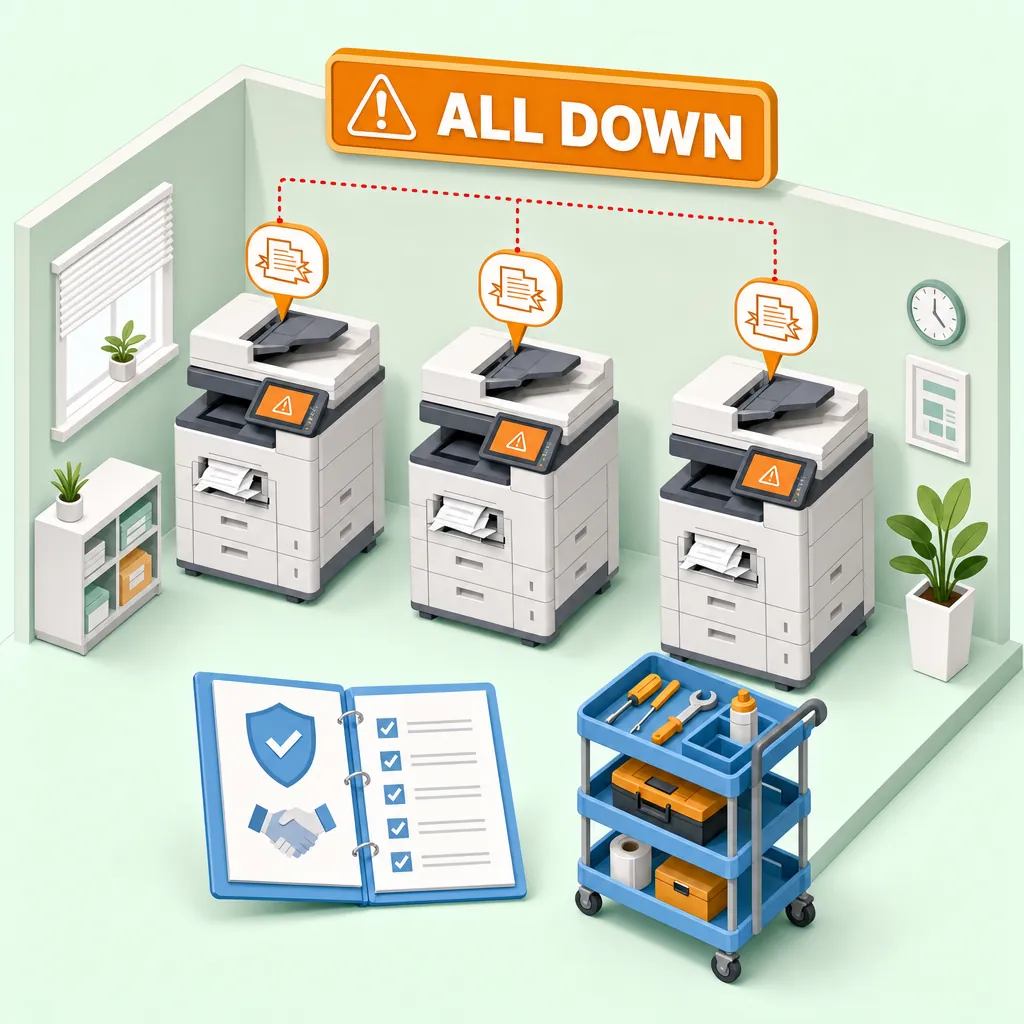
It's Monday morning. You walk in, coffee in hand, and before you've sat down someone is already at your desk telling you the printer is down. Then another. Then a third. Three machines, three different problems, one office, one morning — and you're already an hour behind.
We've been serving Los Angeles offices since 1988, and this scenario is not unusual. It feels like a freak coincidence, but it almost never is. When all office printers go down at once, there's almost always a pattern underneath it. Understanding that pattern is the first step toward making sure it doesn't happen again.
Why Multiple Printers Go Down at the Same Time
When a government agency called us with all three of their networked office printers down simultaneously, the instinct was to treat it as one big problem. It wasn't. It was three separate problems landing on the same morning: one HP showing a toner circuit fault (error code 10091), a second HP streaking on every page, and a third machine also out of commission.
Error code 10091 on an HP points to the toner circuit — the pathway between the cartridge reservoir and the drum. Nine times out of ten, that kind of error on a cartridge-based machine traces back to compatible, non-OEM toner cartridges interfering with that circuit. The streaking on the second machine pointed somewhere different entirely: a worn transfer kit, a wear-based failure that had nothing to do with the toner supply. Two machines, two root causes, one office, one morning.
That's the cascade mechanism. When a fleet is purchased or deployed around the same time, components across multiple machines tend to reach wear thresholds at roughly the same time. Add a shared toner supply decision, say, switching to compatible cartridges across the whole fleet to save money, and you've introduced a systemic risk that can trigger errors on several machines at once. None of this is bad luck. It's the predictable outcome of a fleet that nobody was scheduled to look at before it broke.
The Off-Contract Gap: When Your Fleet Loses Its Safety Net
A print shop owner reached out to us in a situation that's more common than most businesses realize. Three Xerox machines, all on aging manufacturer service contracts, all starting to age out of coverage. A fourth machine was already off contract — and already down, suspected board failure. Then, while we were on the phone, their high-volume production machine faulted live.
At that moment, their fleet had no unified coverage to fall back on. Each machine was in a different contract status, and the one most critical to their daily production had just gone down with no clear path to getting it back up quickly.
This is the off-contract gap. When equipment ages out of a manufacturer service contract, there is often no automatic handoff — no replacement coverage steps in unless someone arranges it. Machines running off contract with no scheduled service are the most likely to fail without warning, and when a high-volume machine goes down, it puts pressure on every other machine in the building.
The solution is a third-party maintenance agreement that picks up where the manufacturer contract leaves off. A copier maintenance agreement can prevent downtime by covering service, parts, and labor before failures compound. Once Xerox stops servicing a machine, a dealer like DataPrint can step in with a maintenance-included program structured as a rental, a purchase, or a standalone maintenance plan depending on what works best for the business. About 80% of our business runs on maintenance-included programs, because that ongoing relationship is what keeps fleets stable rather than reactive.
What Happens When You Call During a Fleet Emergency
When a fleet emergency hits, the worst thing you can do is wait. The second worst is sending a technician out blind.
Before we scheduled the same-day visit to the government agency with three machines down, we asked the office manager to share the printer webpages via Microsoft Teams so we could check toner levels and cartridge status remotely. On a networked printer, that information is accessible through the machine's built-in webpage using its IP address — and the IP address is usually displayed right on the printer's control panel screen. That remote look gave us a clearer picture of what to bring and what to prioritize before anyone drove across town.
With the print shop's faulted production machine, we asked the owner to text a photo of the fault code so diagnostics could start immediately. By the time a technician arrives on-site, the guesswork is already narrowed down.
For the government agency, we scheduled a same-day return visit with a clear triage goal: get at least one machine operational first. That's the right priority in a multi-machine situation. One working printer means the office can function while the others are being assessed.
As one long-term client put it, a response time of no more than an hour is what they've come to expect from us, and that pace is what makes a multi-machine failure a half-day disruption instead of a two-day crisis.
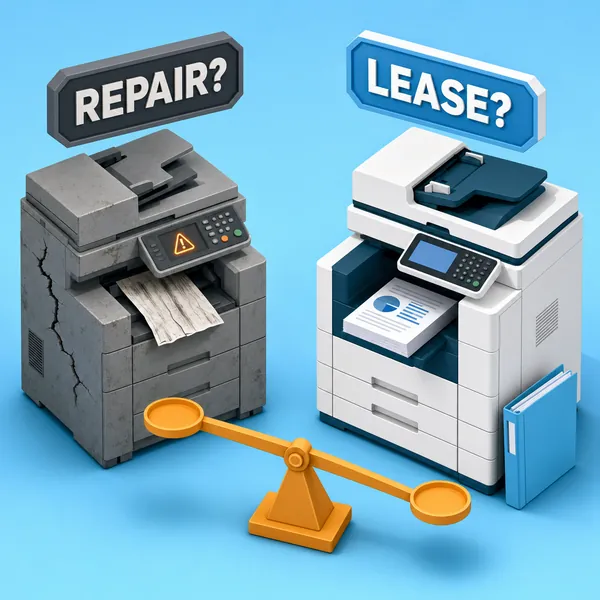
The Honest Repair-vs-Replace Calculation
Not every repair is worth doing. That's a straightforward statement, but it's one a lot of service providers avoid making because a declined repair is a lost ticket.
We don't see it that way. Copy machines degrade quickly at high volume. When an aging fleet starts generating repair bills, the real question is whether investing a few thousand dollars in repairs makes more financial sense than paying a few hundred dollars a month for a maintenance-included lease on newer equipment. That's a weighted ROI calculation, and it's one we'll walk through with you honestly.
The same logic applies to individual machines. HP laser printers tend to run for a very long time, so age alone isn't the deciding factor. What matters is how many hours of labor a repair actually requires relative to what the machine is worth. If a repair is going to take five hours, that cost may exceed the machine's value, and a technician has an obligation to tell you that before the work starts, not after.
We give free estimates. If a repair makes sense and we proceed, the current labor rate is $175 per hour with a one-hour minimum, plus parts. If it doesn't make sense, we'll tell you that too, and help you think through what a replacement or lease arrangement would look like instead.
One customer put it clearly after we ran diagnostics on an aging HP at their home: we explained the cost of fixing versus purchasing a new printer, and when a new machine was the right answer, that's what we recommended. No pressure in the other direction.
What a Printer Fleet Maintenance Agreement in Los Angeles Actually Covers
A maintenance agreement is only as useful as what it actually covers. For a mixed fleet, the most important practical requirement is that one agreement covers all the brands you're running. We have deep brand expertise across all major copier and printer manufacturers, which means a mixed fleet doesn't require juggling multiple vendor relationships, each with its own response time and billing structure.
All service is on-site. A technician comes to your location. That matters especially when multiple machines are down and none of them can be transported anywhere.
On rentals, we don't require long-term contracts, which gives businesses room to adjust coverage as the fleet changes, adding machines, removing them, or shifting to a different structure, without being locked in.
We've been doing this at enterprise scale for a long time. Documented records from the 1990s confirm multi-year service relationships maintaining fleets of 20-plus machines for a large aerospace and defense client, with that client specifically citing fast emergency response on high-volume equipment as the reason for the relationship. The structure of that kind of agreement hasn't changed much: scheduled service, fast response when something goes wrong, and honest guidance on when equipment has reached the end of its useful life.
If you're evaluating any printer fleet maintenance agreement in Los Angeles, the questions that matter most are straightforward: What is the guaranteed response time? Does the agreement cover parts and labor, or labor only? And does it cover all the brands in your fleet, or just the provider's own equipment?
The office manager who walks in Monday morning to find three printers down is not uniquely unlucky. They're running a fleet that nobody was scheduled to look at before it broke. That's the situation a maintenance agreement is designed to prevent, not by guaranteeing nothing will ever fail, but by catching wear issues before they compound and putting a fast-response technician on call when they do.
If your fleet is aging, off contract, or running on a break-fix model that's starting to feel unsustainable, we're happy to take a look. Free estimates, same-day on-site service across the San Fernando Valley and greater Los Angeles, and nearly 40 years of working on the machines that keep LA businesses running. Give us a call.